Introduction
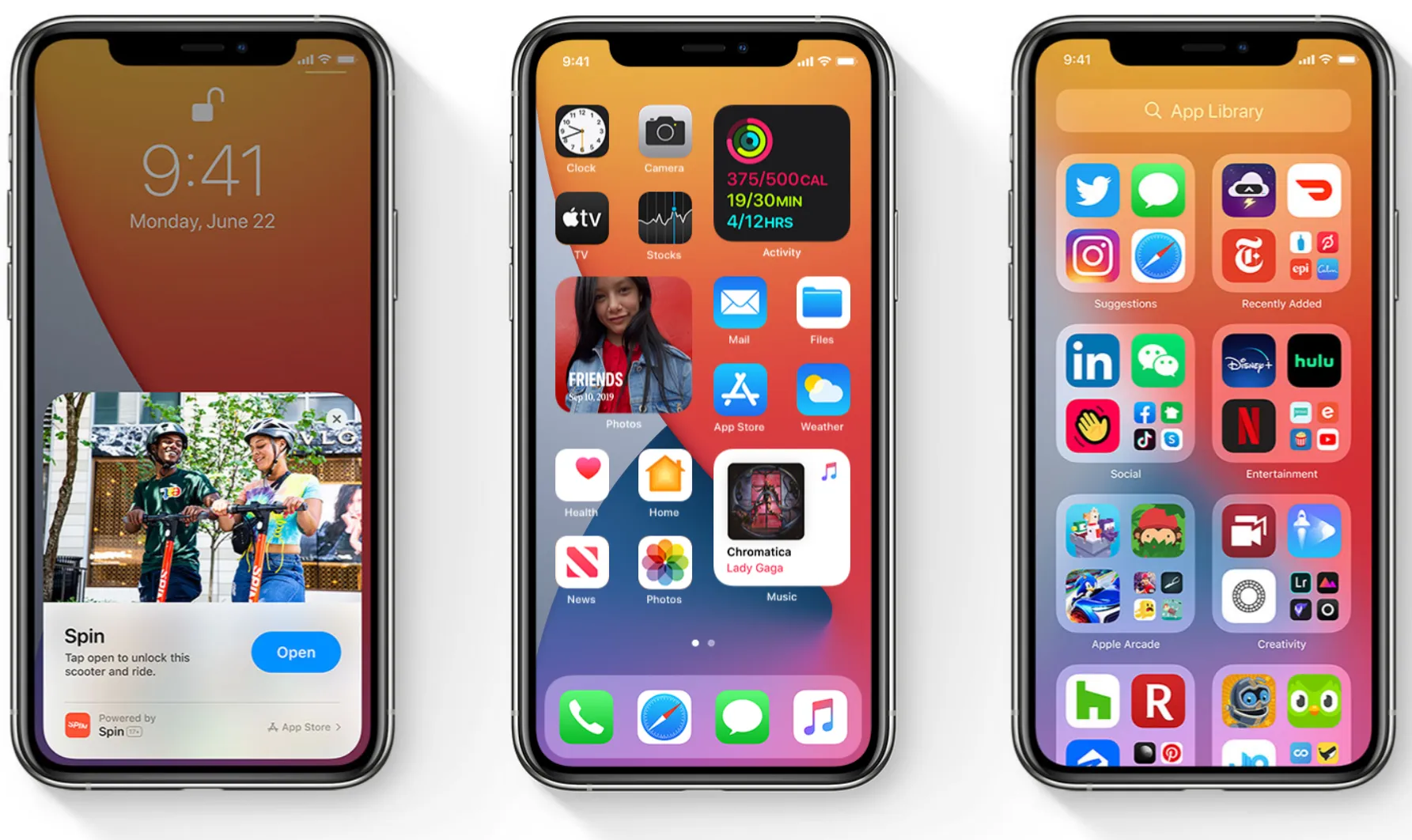
iOS 14 is the 14th generation of Apple’s iOS mobile operating system, launched in 2020. In 2021, the iOS 14 was replaced by Apple’s 15th generation mobile OS, iOS 15. Moreover, the oldest iPhone to support the iOS 14 update is the iPhone 6s series, the successor of the iPhone 6 series.
In this post, we’ll list all the iOS 14 compatible iPhones. We’ll talk about how to update to iOS 14 using various methods. So, without any further ado, let’s get started.
How to Update to iOS 14 on a compatible iPhone?
Manually
To get the iOS 14 update on your compatible iPhones manually, you have to follow some steps mentioned below:
- Step 1: Fully charge your device
- Step 2: Create a backup of all your data
- Step 3: Connect your iPhone to a high-speed WiFI
- Step 4: Open the Settings app, then go to General > Software Update
- Step 5: Choose the Update to iOS 15 option
- Step 6: Tap Install Now
So, these are the simple steps to manually get iOS 14 or any other compatible iOS update on your iPhone.
Automatically
You have to follow these steps to get any iOS updates automatically on your iPhone.
- Step 1: Open the Settings app
- Step 2: Go to General > Software Update
- Step 3: Tap on Automatic Updates
After turning on Automatic Update, whenever there’s any update available, your iPhone will automatically download and install the update overnight while charging and connected to Wi-Fi.
Using your Mac
You can also update your iPhone using your Mac. To do that, just follow the steps mentioned below:
- Step 1: Connect your iPhone and Mac with Cable
- Step 2: If you have macOS 10.15 or later; Click on Finder sidebar > select your iPhone > then click General at the top of the window
- Step 2: If you have an earlier macOS version; Go to the iTunes app > Click the iPhone button near the top left of the iTunes window > then click Summary
- Step 3: Click on Check for Updates
- Step 4: If there are any updates available, Click Update
iOS 14 Supported iPhones?
As we mentioned above, the iPhone 6s series is the oldest iPhone to support iOS 14. Every iPhone after the 6s series supports iOS 14. Moreover, the complete list of iOS 14-supported iPhones is as follows:
- iPhone 6s
- iPhone 6s Plus
- iPhone SE (2016)
- iPhone 7
- iPhone 7 Plus
- iPhone 8
- iPhone 8 Plus
- iPhone X
- iPhone XS
- iPhone XS Max
- iPhone XR
- iPhone 11
- iPhone 11 Pro
- iPhone 11 Pro Max
- iPhone SE 2 (2020)
- iPhone 12
- iPhone 12 Mini
- iPhone 12 Pro
- iPhone 12 Pro Max
- iPhone 13
- iPhone 13 Mini
- iPhone 13 Pro
- iPhone 13 Pro Max
- iPhone SE (2022)
Conclusion
Here, we touched on How to Update to iOS 14 from methods like - Manual, Automatic, and Using Mac. We’ve also covered all the iOS 14 compatible iPhones. I hope you found the article helpful.